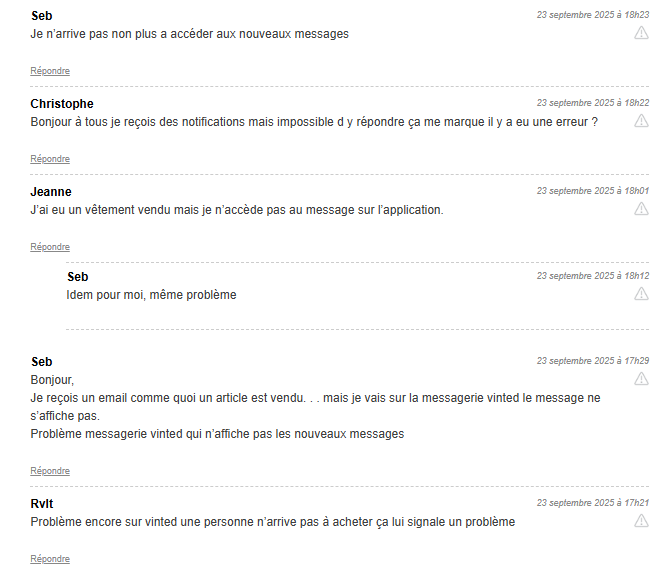
I have two notifications that don’t seem to be read, one that I find, but even if I read it, it always comes back as unread, and another one, I can’t even find it
It’s not a big deal, but it’s annoying to always have this « 2 » when all my notifications and messages seem to be read.
Have you ever encountered this, can you give me some advice?
For some time now, I’ve had a notification on my « messages » tab; however, even after scrolling back through previous weeks, I can’t find any unread messages. Has anyone else experienced this bug? If so, how can it be resolved?
For some time now, I’ve had a notification on my « messages » tab; however, even after scrolling back through previous weeks, I can’t find any unread messages. Has anyone else experienced this bug? If so, how can it be resolved?
It might have played a role, I also sent a lot of messages to favorites manually. Maybe we have reached the limit of 20 favorites, which prevents us from loading new messages?
Thanks for the tip @Lucile!
Partial solution: Use Smart Messaging > Unread > Delete
The messages you will find have certainly already been opened but remain unread in the system, so make sure they are not conversations with a sale and delete conversations without sales, this will already lower the number of messages in the notification bar.
I tried this morning and it worked, but unfortunately it also shows me conversations with sales that I don’t want to delete.
@Camtajoie No, no! You just need to go to « Smart Messagerie » (Clemz) and load the last 1000 messages, then choose to filter by « Unread Messages » at the top right.
This will show you the messages that are causing the notifications to bug (2 or 3 probably).
Then, just check that these messages do not correspond to sales, select them, and delete them via Clemz
I managed to read everything thanks to Smart Messaging, great!!! Thanks a lot!
Can’t we display more than 1000 messages with Smart Messaging? Because I have a friend who has an unread notification for over a year, and it must be beyond the first 1000 messages. So I can’t see it as unread. Does anyone have an idea?